
Money Manager: Expense Tracker
Finance · Budgeting
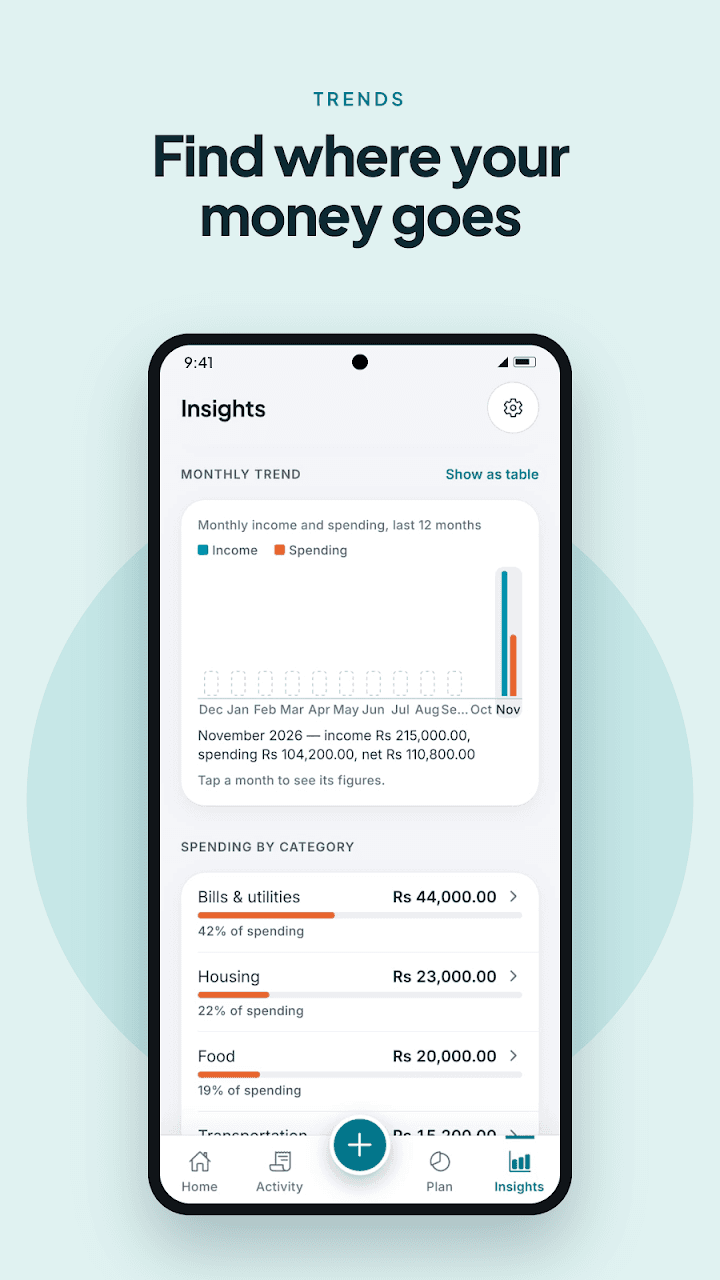
Find where your
money goes.
A simple expense tracker and budget planner that helps you see where your money goes, stay on budget and save for what matters. No bank login, no account — start tracking in under a minute.
Free downloadfor Android phones
< 1 min
To start tracking
90+
Currencies
100%
Works offline
0
Bank logins, ever
Everything you need, nothing you don't
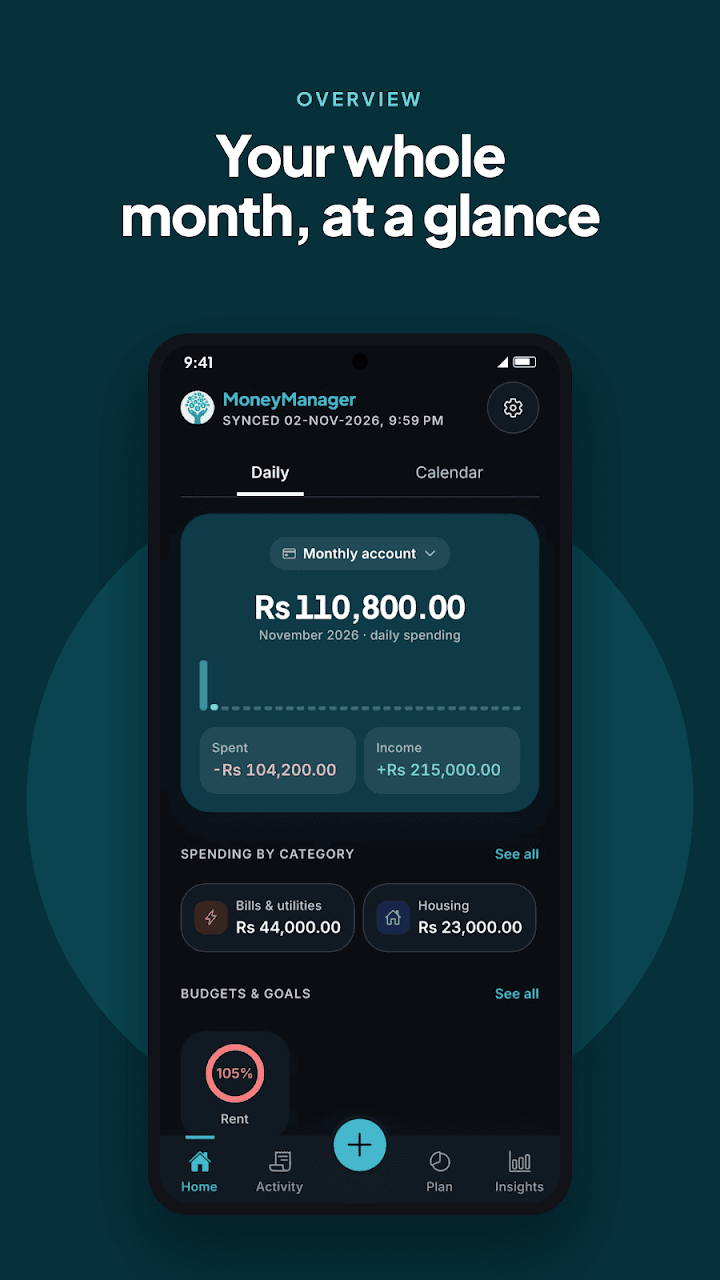
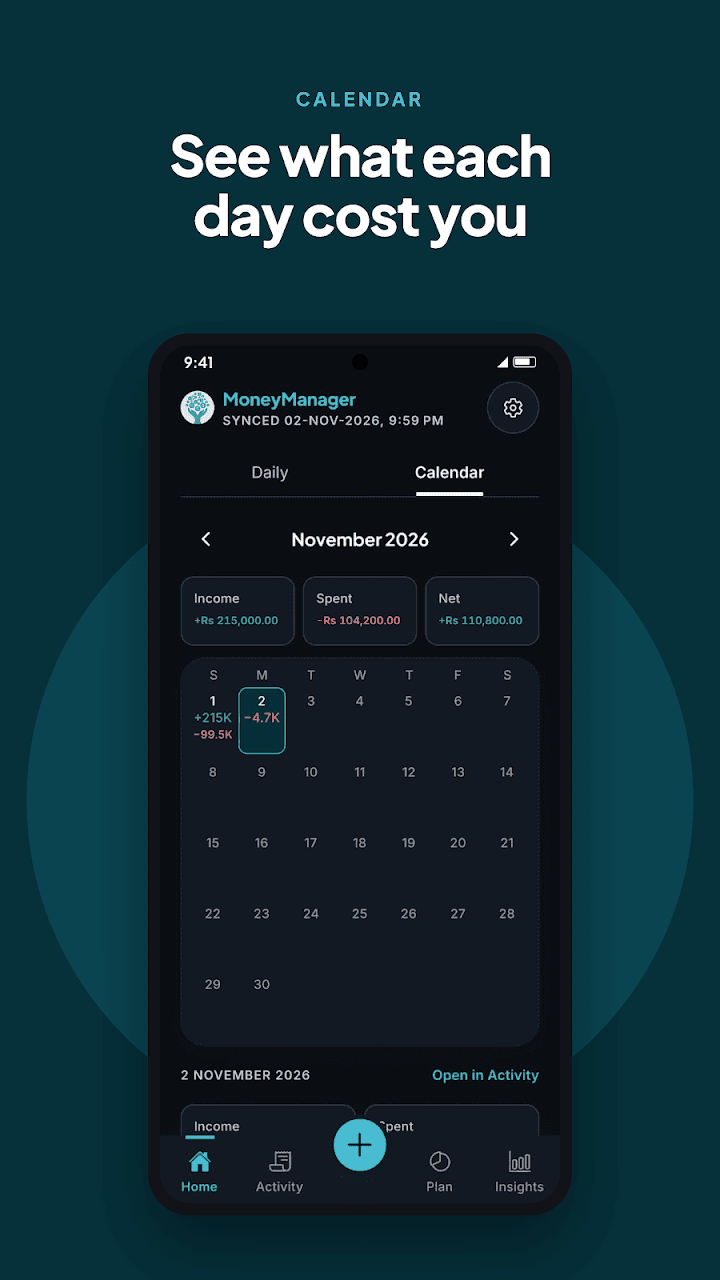
Track expenses & income
Add a transaction in a few taps with category, account, note and date. Split payments and attach receipt photos.
Budget planner
Set monthly budgets by category, see what's left to spend and spot overspending before the month ends.
Accounts & balances
Cash, bank accounts, credit cards and wallets in one place, with your total balance and each account's history.
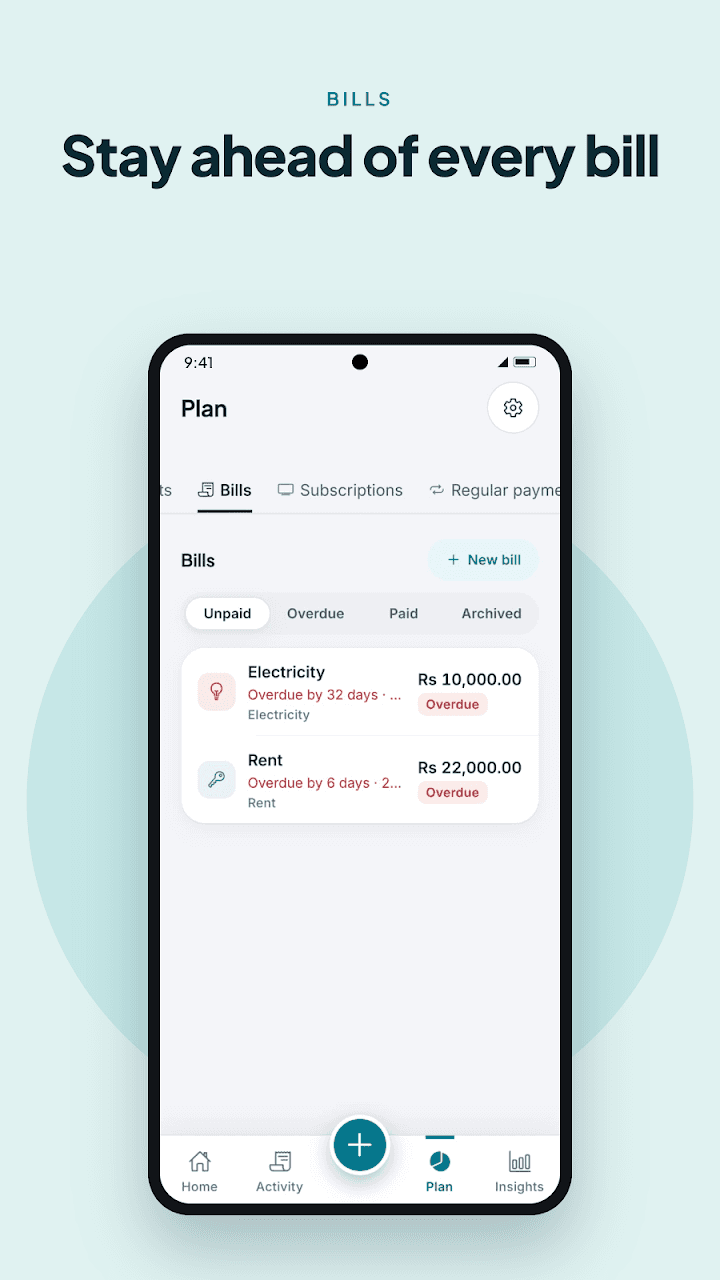
Bills & reminders
Add rent, subscriptions and loans once. Recurring payments are logged on schedule, with reminders before they're due.
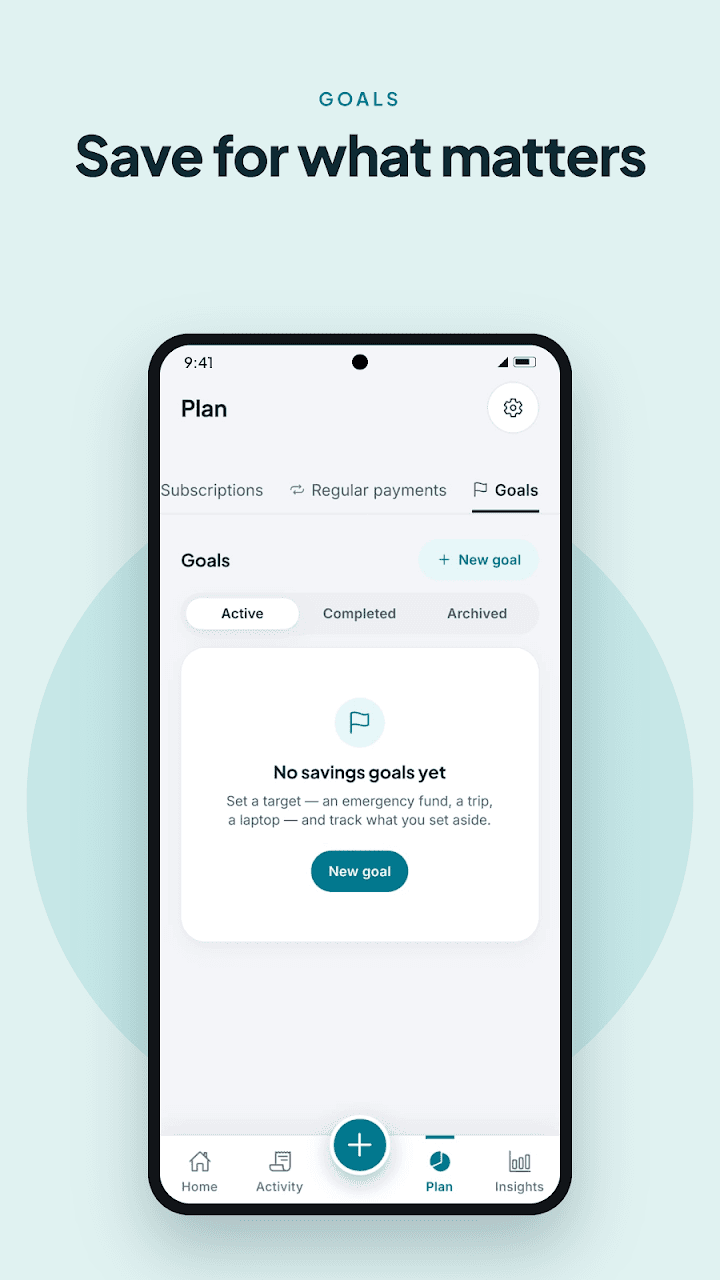
Savings goals
Save for a holiday, an emergency fund or a new phone, and see how close you are.
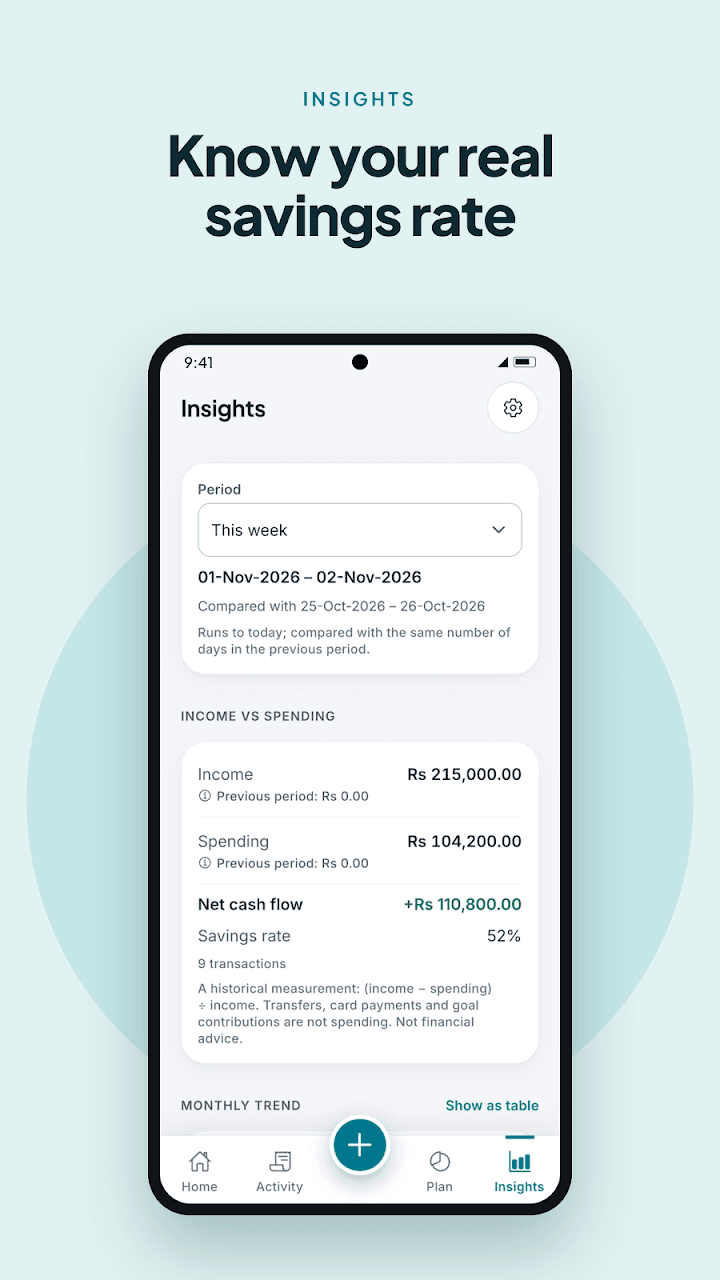
Reports & insights
Spending by category and merchant, monthly comparisons and your real savings rate.
Multi-currency
Pick from 90+ currencies and record spending abroad, with automatic or custom exchange rates.
CSV import & export
Import your bank's CSV statement with a preview first, and export all your data at any time.
Take a look inside
Up and running in three steps
Add your accounts
Cash, bank, cards and wallets — no bank login or sign-up needed.
Log spending in seconds
Add expenses as they happen, or let recurring bills log themselves.
Budget and save
Set budgets and goals, then watch your trends and savings rate improve.
Start free, upgrade anytime
Subscriptions are managed through Google Play and can be cancelled anytime.
Forever
Free
- Every budgeting & tracking feature
- Works fully offline
- CSV import & export
- Supported by ads
Monthly or yearly
MoneyManager Pro
- Everything in Free
- Sign in with Google
- Back up & sync across devices
- No ads
Your money data stays yours
MoneyManager works fully offline and stores your data on your phone, not in the cloud, unless you choose to sync. No bank connection and no bank passwords — ever.
No. MoneyManager never asks for a bank connection or bank password. You can import your bank's CSV statement if you want to bring in past transactions.